Vantage Launches MSP Integration Management
Manage integration delegation at scale across all Managed Accounts with a unified Integration Management view.
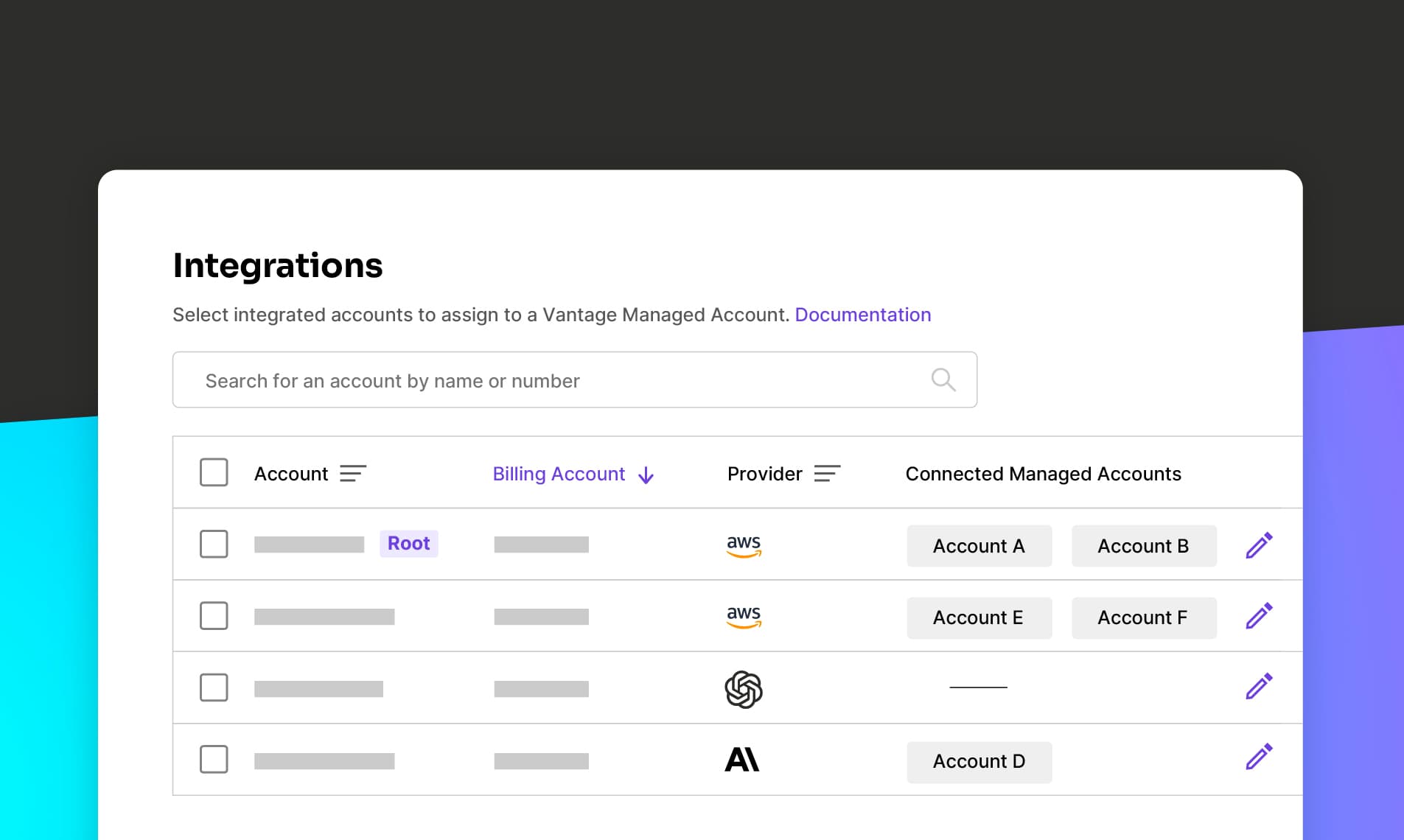

Today, Vantage is launching MSP Integration Management, enabling Vantage for MSP customers to manage integration delegation at scale across all their Managed Accounts. MSP customers can now assign and remove integrations on any number of Managed Accounts simultaneously, view all delegations of a single account, and filter for unassigned or improperly assigned costs, all from a single, unified view.
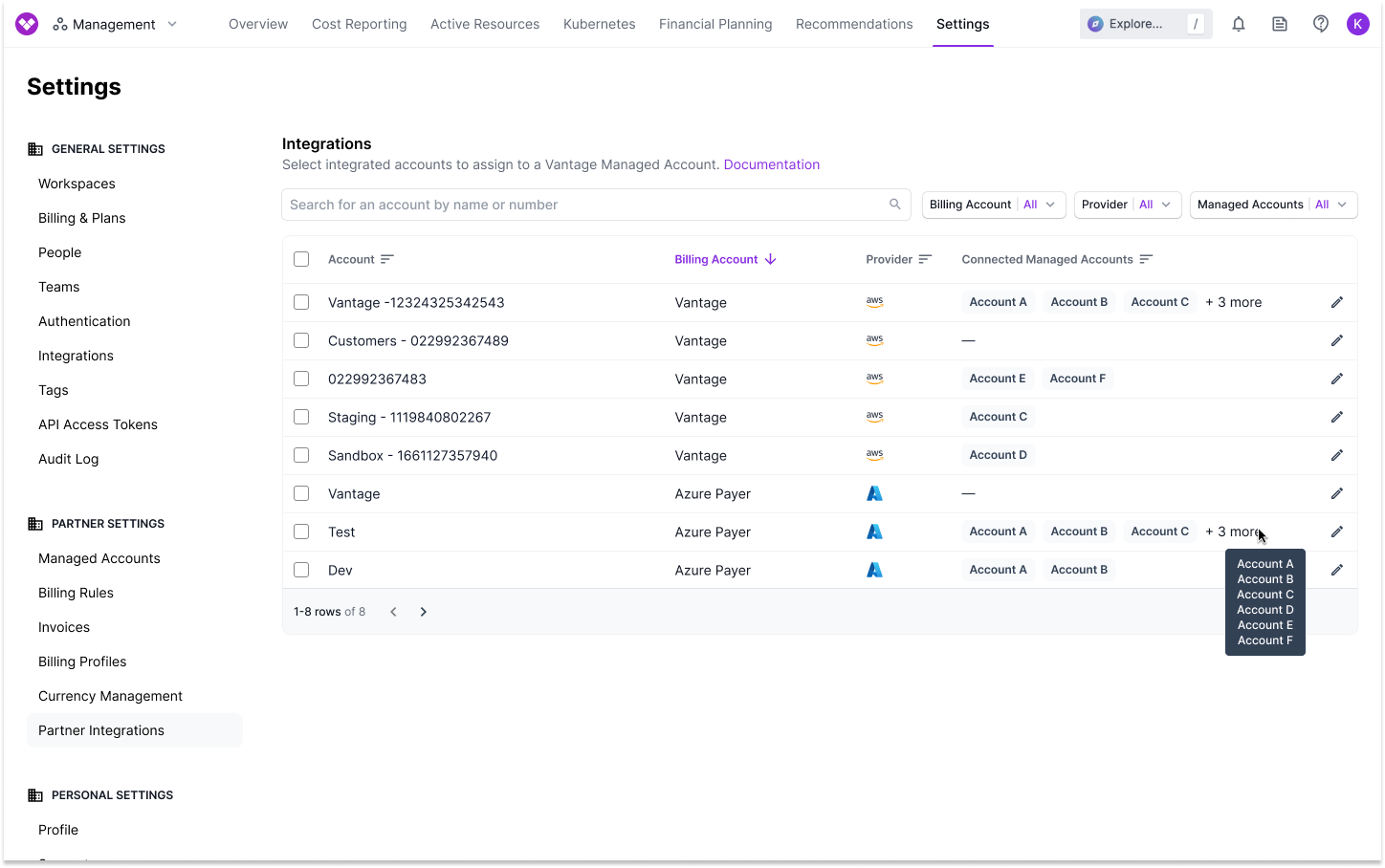
Previously, MSPs needed to assign integrations to each of their Managed Accounts by navigating into individual Managed Account profiles, and individually adding each integration. This made it difficult to manage integrations across large customer bases, assign an integration to more than one Managed Account, or understand where integration costs were incorrectly allocated.
Now, with the launch of MSP Integration Management, Vantage MSP customers have access to a dedicated page where they can view all integrated accounts across providers, how many Managed Accounts they are assigned to, and assign in bulk to Managed Accounts. Customers can use filters by Provider, Billing Account, or assigned Managed Account to analyze their currently assigned integrations. Users can see how many times a specific integration has been assigned to a Managed Account, or easily identify costs that have not been assigned to any Managed Account.
MSP Integration Management is now available for Vantage MSP customers in the Partner section of the Vantage console Settings. To learn more, visit the MSP documentation.
Frequently Asked Questions
1. What is being launched today?
Vantage is launching a centralized Integration Management page for MSP customers. This allows for bulk assignment and tracking of integrations across all Managed Accounts.
2. Who is the customer?
This feature is designed for Managed Service Providers (MSPs) who manage multiple customer accounts using Vantage.
3. How much does this cost?
There is no additional cost. This feature is available to all MSP customers on Vantage.
4. How does it work?
In the console, MSP users can navigate to the new Integration Management section under Partner Settings to view all their integrated accounts across providers. The “Connected Managed Accounts” column helps you identify how many Managed Accounts an integration has been assigned to. From here, users can select the edit icon next to any integration and add them to or remove them from Managed Accounts in bulk. Users can also filter by Billing Account, Provider, and integrated Managed Accounts to further refine the accounts they are viewing.
5. Can I use the Vantage API to list out all Managed Accounts an integration is assigned to?
Yes. The GET /v2/integrations and GET /v2/integrations/{integration_token} endpoints now include a managed_account_tokens field in the response. This field returns an array of Managed Account tokens that the integration is delegated to. If the integration is not assigned to any Managed Accounts, the array is empty.
Example response (abbreviated):
In this example, the GCP integration is assigned to the Managed Account with token acct_1a2b3c4d5e6f7890. You can use the GET /v2/managed_accounts/{managed_account_token} endpoint to retrieve details about that Managed Account.
6. Can I use the Vantage Terraform provider to assign integrations?
Yes, you can use the vantage_managed_account resource to assign integrations to a Managed Account.
In the above example, you can add a list of Access Credential (integration) tokens to assign to the Managed Account.
7. What permissions do I need to manage integrations?
You must be an Owner or Integration Owner to manage integrations on behalf of Managed Accounts.
8. Will this affect previously assigned integrations?
No, existing integration assignments remain unchanged. This feature provides a more scalable and visible way to manage them.
9. Are changes in integration assignments available in the Audit Log?
Yes, all additions and removals of integration assignments to Managed Accounts are logged in the Audit Log of the Management account.
Sign up for a free trial.
Get started with tracking your cloud costs.
Read more
Vantage Launches Support for Cartesia Costs
Vantage Launches Usage Budgets: Monitor Tokens and Provider Usage Units Alongside Cost
Vantage Launches Native Business Metrics Imports for GCP BigQuery and ClickHouse
Vantage Launches Support for DigitalOcean Costs