Budgets
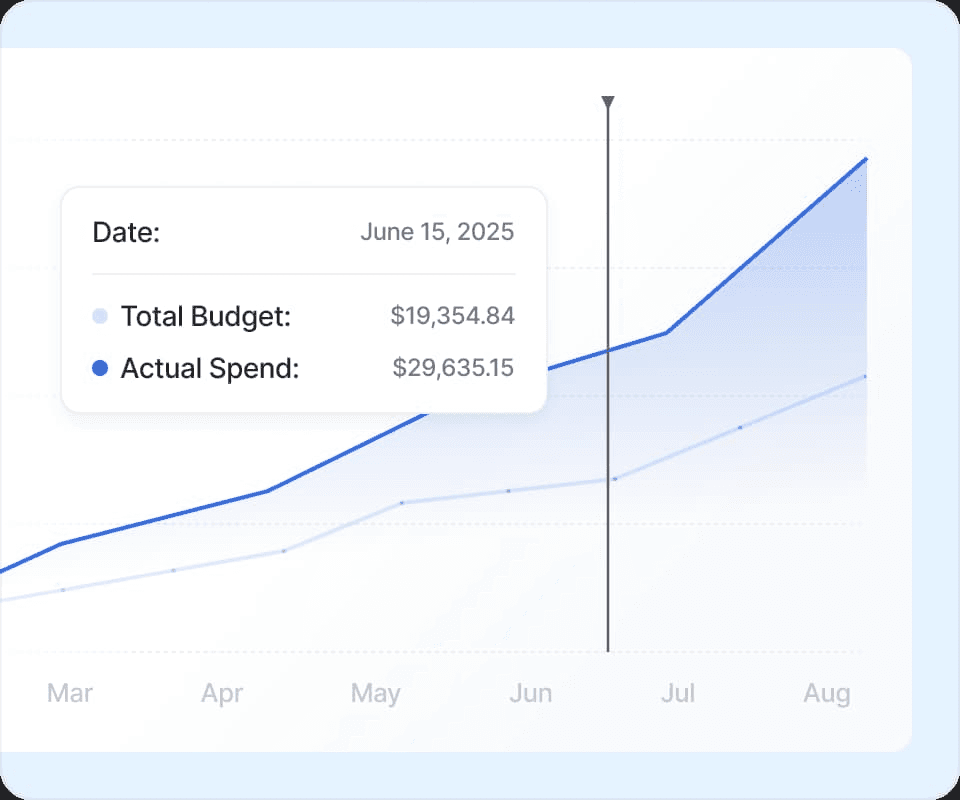
Set Cost and Usage Budgets to hold teams accountable before overruns occur. Get automated alerts that keep teams on target.













Case study

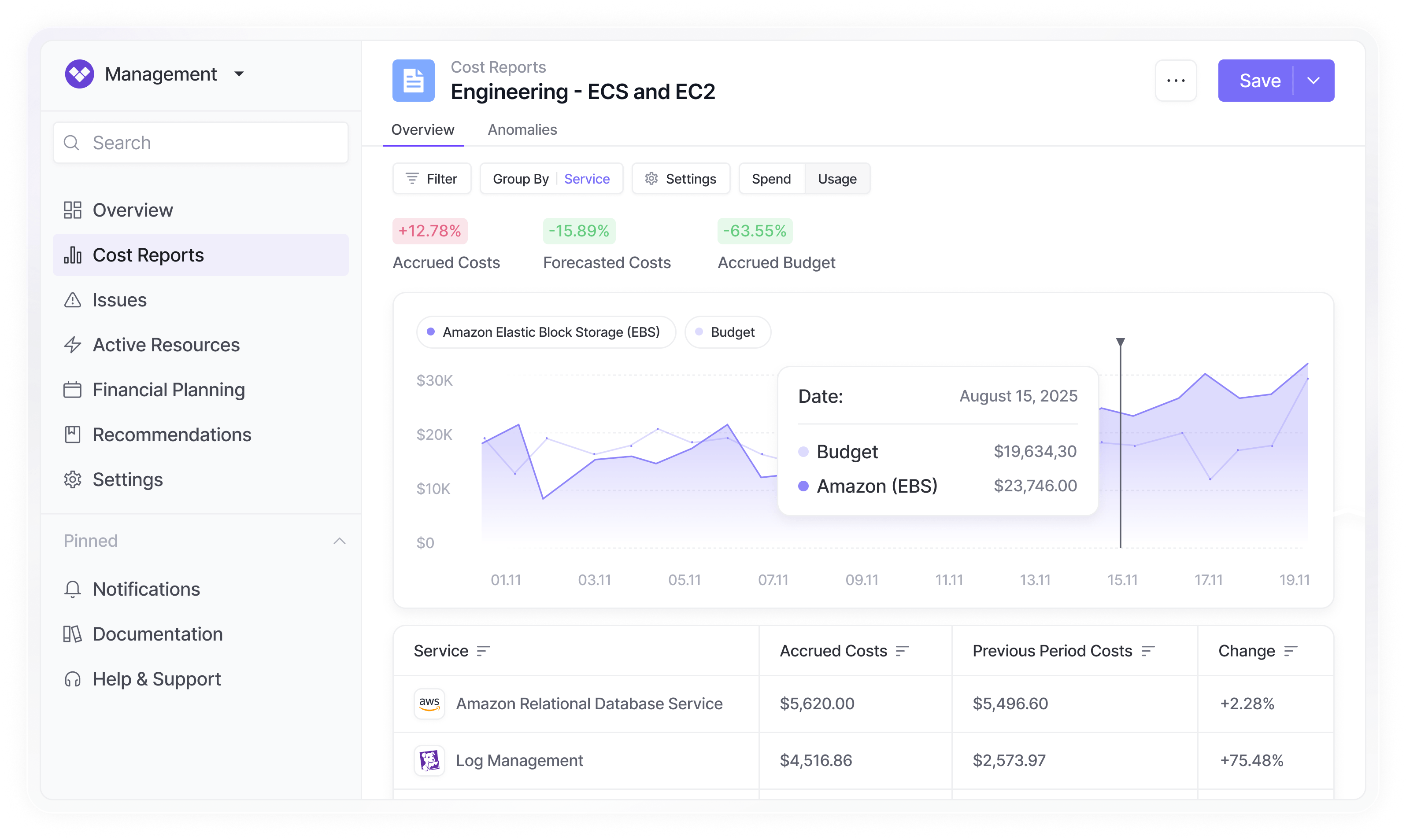
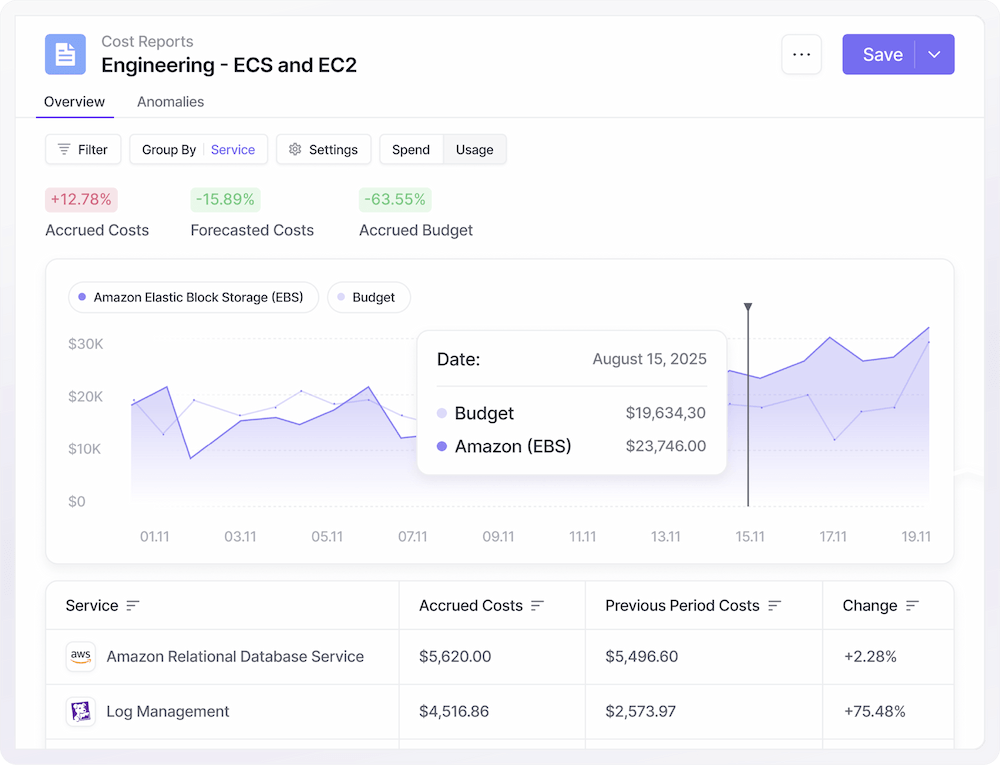
We treat this like an incident, just like the site went down. We get people in a room and get them to resolve the budget overage. Strictness is really the key here.
Vaibhav Mallya —Engineering Leadership, Infra & Platform, Rippling
Read case studyA central hub for all budgeting needs
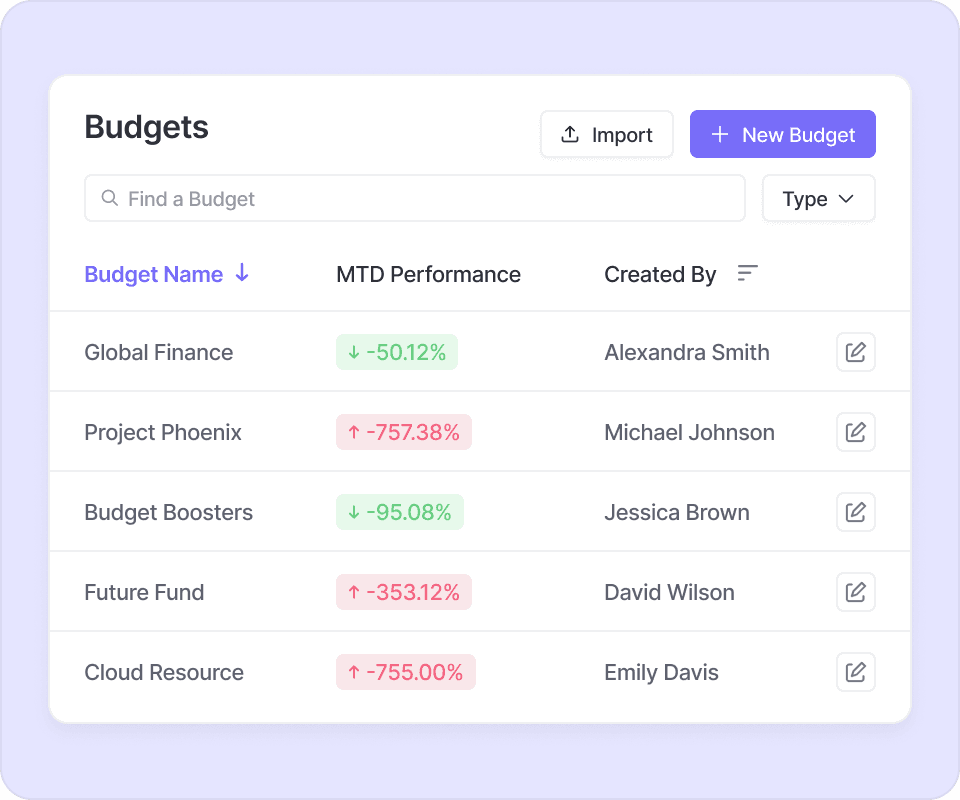
Configure once, monitor forever. Create, assign, and track Cost and Usage Budgets from a single command center.
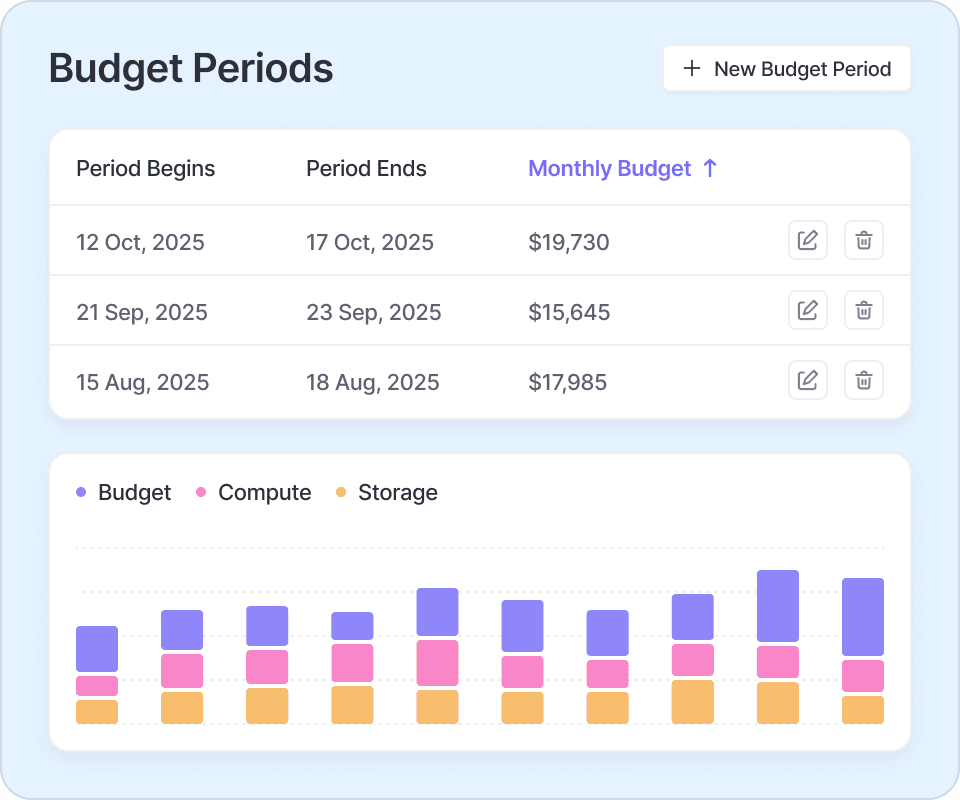
Customize to any time period
Define monthly, quarterly or annual budgets to assign to team’s reports. Let them review progress against cost or usage targets right alongside the report.
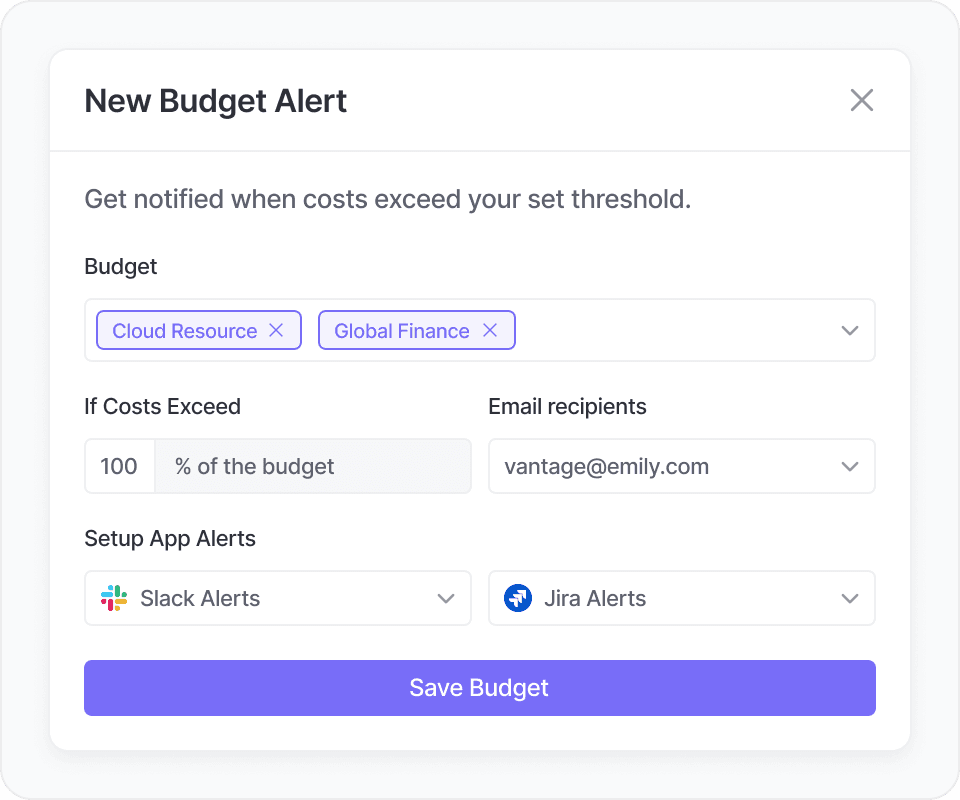
Stay on track with budget alerts
Get notified via Slack, Microsoft Teams, or email the moment spend or usage approaches or exceeds your thresholds.
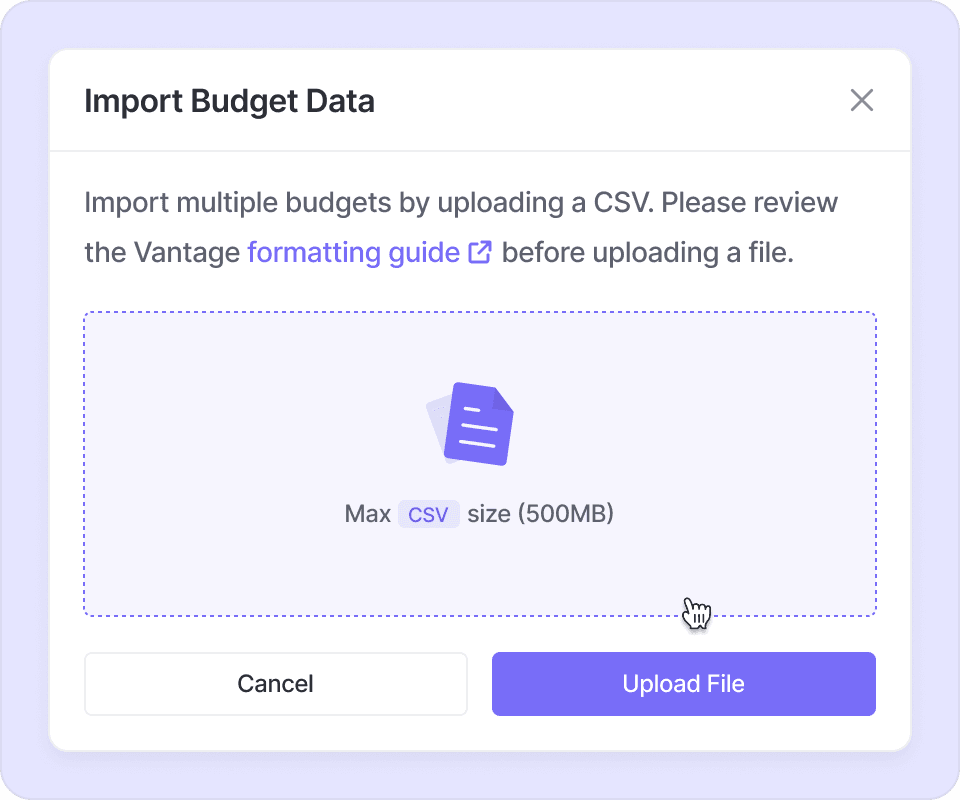
Seamless finance imports
Bulk‑upload budget data held in spreadsheets or ERP tools to regularly sync Vantage with your finance-friendly source of truth.
Manage the full enterprise with budget hierarchies
Roll up Cost or Usage Budgets by account, service, tag, and other dimensions in the same view.